
IT Provider Questions: Verify Your MSP Is Protecting You
By Tom Hermstad · HD Tech
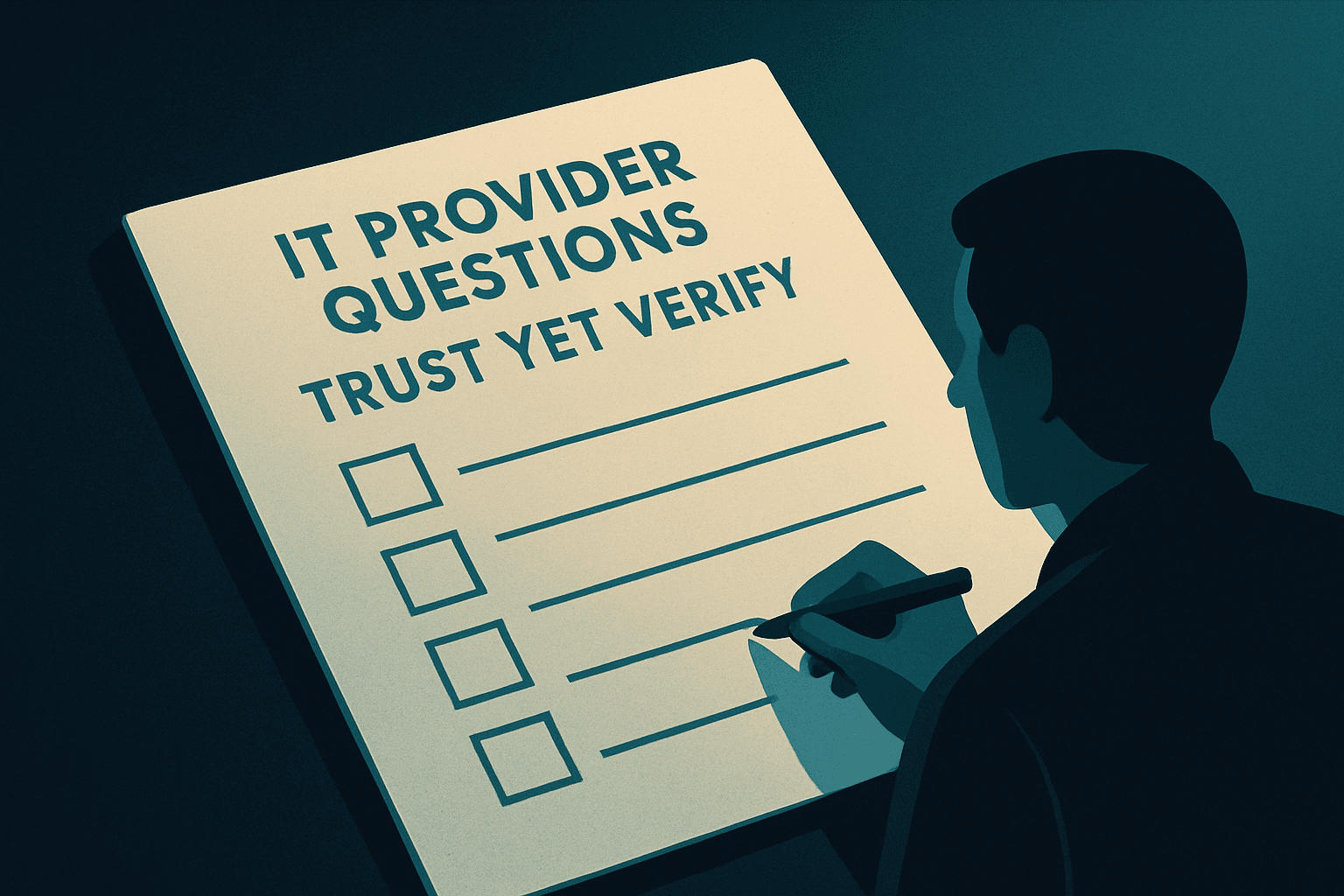
What hard questions should I ask my IT provider to verify they're actually protecting my business?
You should ask your IT provider to show you documented, tested proof across three areas: backup restores, patch compliance rates, and active security controls on your credentials and sensitive files. A trustworthy managed IT provider welcomes these questions and answers them with real data — not polished reports and reassurances. If they deflect, get defensive, or make it hard to even ask, that tells you everything you need to know.
By Tom Hermstad, Founder & CEO, HD Tech
The IT Industry Has Almost Zero Barrier to Entry — And That's Your Problem
Anyone can build a website tonight and call themselves a managed IT provider by morning. There's no state licensing board. No Bar exam. No equivalent of a medical license that gets pulled for malpractice.
That's not a knock on good providers — there are plenty of excellent ones. But it means the burden of verification falls on you, the business owner.
I've spent many years in this industry. And every single week, our team sees the fallout from blind trust: backups that were never tested and fail the moment they're needed, vulnerabilities sitting wide open because patches were skipped, security postures that look solid on paper and collapse the moment a real threat shows up.
The invoice keeps coming. The gaps don't get fixed. And you have no idea — because you never asked.
When an IT Provider Blocks You From Shopping Around
Let me tell you about a situation we encountered recently. A business owner reached out to us — they were exploring options, doing their due diligence. Smart. The right move.
Their current MSP found out. And instead of competing on merit, that provider started actively making it harder for the client to communicate with us. Access barriers. Friction. Subtle obstruction.
That's not a partnership. That's control.
A confident IT provider with nothing to hide wants you to shop around. They want you to talk to competitors, ask hard questions, and come back because you chose them — not because leaving felt too complicated. If your provider spends more energy making it hard for you to leave than proving their value, that's a flag worth taking seriously.
This connects directly to something I believe in deeply: Trust, yet Verify. It's not distrust. It's leadership. You verify what matters to your business.
The Research Backs Up the Urgency
This isn't theoretical. The threat landscape for SMBs is stark.
ConnectWise research found that 94% of SMBs experienced at least one cyberattack — up from 64% in 2019. That's not a slow trend. That's a near-complete shift in the threat landscape.
And when an attack hits, backups are the first target. Veeam's research found that attackers went after backup repositories in 93% of cyber events — and successfully compromised the backup data in 75% of those cases.
Meanwhile, the vast majority of SMBs are running with backups they've never actually proven work. They assume recovery is possible. Assumption is not a recovery plan.
It's not if, it's when. And when it happens, you need to know — not hope — that you can recover.
The Three Hard Questions Worth Asking This Week
Here's where we get practical. These aren't trick questions or gotchas. They're the minimum standard for accountability. A top-tier provider answers all three without hesitation — and with proof.
Can we run a live restore test on our backups this week?
Not a screenshot. Not a dashboard indicator showing "backup complete." A live restore test where you pull actual files from a specific date and confirm they open correctly.
Datto's ransomware research shows that the vast majority of respondents relied on manual backup as their recovery method in their last cybersecurity incident — which is prone to gaps, human error, and false confidence. A backup that's never been restored is a theory, not a safety net.
Ask for a live test. Watch it happen. If your provider can't or won't schedule one this week, you don't actually have a verified backup. You have a file somewhere that might work when you need it most.
What is our current patch compliance rate across all endpoints?
Patch management is not optional background maintenance. Unpatched vulnerabilities remain one of the primary entry points for ransomware and data breaches. And the pace is accelerating — AI-assisted attack tooling now lets bad actors identify and exploit unpatched systems faster than ever. Acronis research found that email attacks surged 464% in the first half of 2023 compared to the first half of 2022 — and security researchers consistently trace successful attacks back to vulnerabilities that had available patches that weren't applied.
You should be able to see a report showing which devices are fully patched, which are behind, and what the plan is to close the gaps. If your provider can't give you a compliance percentage across your endpoints by tomorrow, that's a problem worth understanding before an attacker does.
Which controls are protecting our credentials and sensitive files right now?
Specifically: Is multi-factor authentication (MFA — the extra verification step beyond a password) enforced on every login that touches your sensitive data? Are credentials isolated so that one compromised account can't cascade into a full breach? Who has access to what — and when was that last reviewed?
FBI and supply-chain ransomware research consistently points to MSP platforms as a high-value target. When an MSP gets hit, every client they manage is at risk. The controls your provider uses to manage your environment — and protect your data from their own tools being weaponized — matter enormously. This is a real dimension of the cost a cyberattack can impose on a small business.
Ask for the specific controls. Get the list. If the answer is vague, push for clarity.
Is Your IT a Lifeguard — or a Lifeboat?
Data and tools matter. But character is what you can't buy off a shelf.
A great IT partner shows their work. They don't wait to be asked — they bring you the restore test results, the patch compliance report, the access review, before you think to request them. They teach you what the numbers mean. They invite scrutiny because they have nothing to hide.
Kathleen Urquidez, President and Managing Partner at Urquidez & Associates, CPAs, put it plainly about her experience with HD Tech: "Data security is always a large concern, but with HD Tech on our side, we know we are doing everything we can to avoid a data breach and we rest easier."
That confidence — the kind that lets a CEO actually sleep at night — doesn't come from an invoice. It comes from verified proof, delivered consistently, by a partner who earns trust every month.
A lifeguard watches the water before anyone goes under. A lifeboat shows up after the fact and hopes it's enough. I can tell you after many years in this industry: you want the lifeguard.
If you can't verify the basics, don't hand over the keys to your entire business. You've worked too hard, built too much, and carry too much responsibility — to your employees, your clients, your family — to hand that over on faith alone.
When was the last time your team saw real proof that your backups actually work?
Frequently Asked Questions
Ask for documented proof — not just a verbal assurance or a monthly report that says "all systems normal." Request a live backup restore test, a patch compliance report showing percentages across every endpoint, and a written list of the specific security controls protecting your credentials and sensitive data. A provider who is genuinely doing the job will answer these requests with real data, quickly and without defensiveness.
A backup restore test is when you actually pull files from a backup and confirm they open correctly — as if you just survived a ransomware attack and needed to recover your data. Having a backup and having a working backup are two different things. Veeam research found that attackers compromised backup data in 75% of ransomware events — making tested, verified restores essential, not optional.
Patch compliance is the percentage of your devices and software that have received current security updates. Attackers actively scan for systems running outdated software because known vulnerabilities are easier to exploit. You don't need to understand every technical detail — but you should be able to see a number, updated regularly, that shows how exposed your environment is. If your provider can't give you that number, ask why.
Key red flags: they get defensive when you ask for documented proof of their work; they can't produce backup restore test results or patch compliance reports on request; they make it difficult for you to speak with other IT providers; their monthly reports are polished but vague. A confident, transparent provider treats accountability as a feature of the relationship — not a threat to it. For more on choosing a cybersecurity provider in Orange County, we've laid out what to look for.
Backup restore tests should happen on a regular, documented schedule — the more frequently, the better. Patch compliance should be reviewed continuously, with documented reporting on a regular cadence. If your current provider isn't offering this proactively, that's the first conversation worth having. CISA small business guidance lists offsite backup storage and periodic testing as baseline practice — not advanced capability.
If any part of this post made you realize you haven't seen real proof lately, that's worth a conversation. Book your free Discovery Call at hdtech.com/contact — just a straight conversation about where you stand, with someone who has spent many years helping businesses like yours stay protected and prepared.

Tom Hermstad
President & CMO, HD Tech
Tom Hermstad has led HD Tech since 1995, building one of Southern California's most trusted managed IT and cybersecurity firms. He specializes in helping Orange County businesses eliminate IT headaches and stay ahead of evolving cyber threats — in plain English.