
Rolling Out New Business Computers
How we set up, delivered and confirmed a batch of new Dell computers for a growing business, one stage at a time.
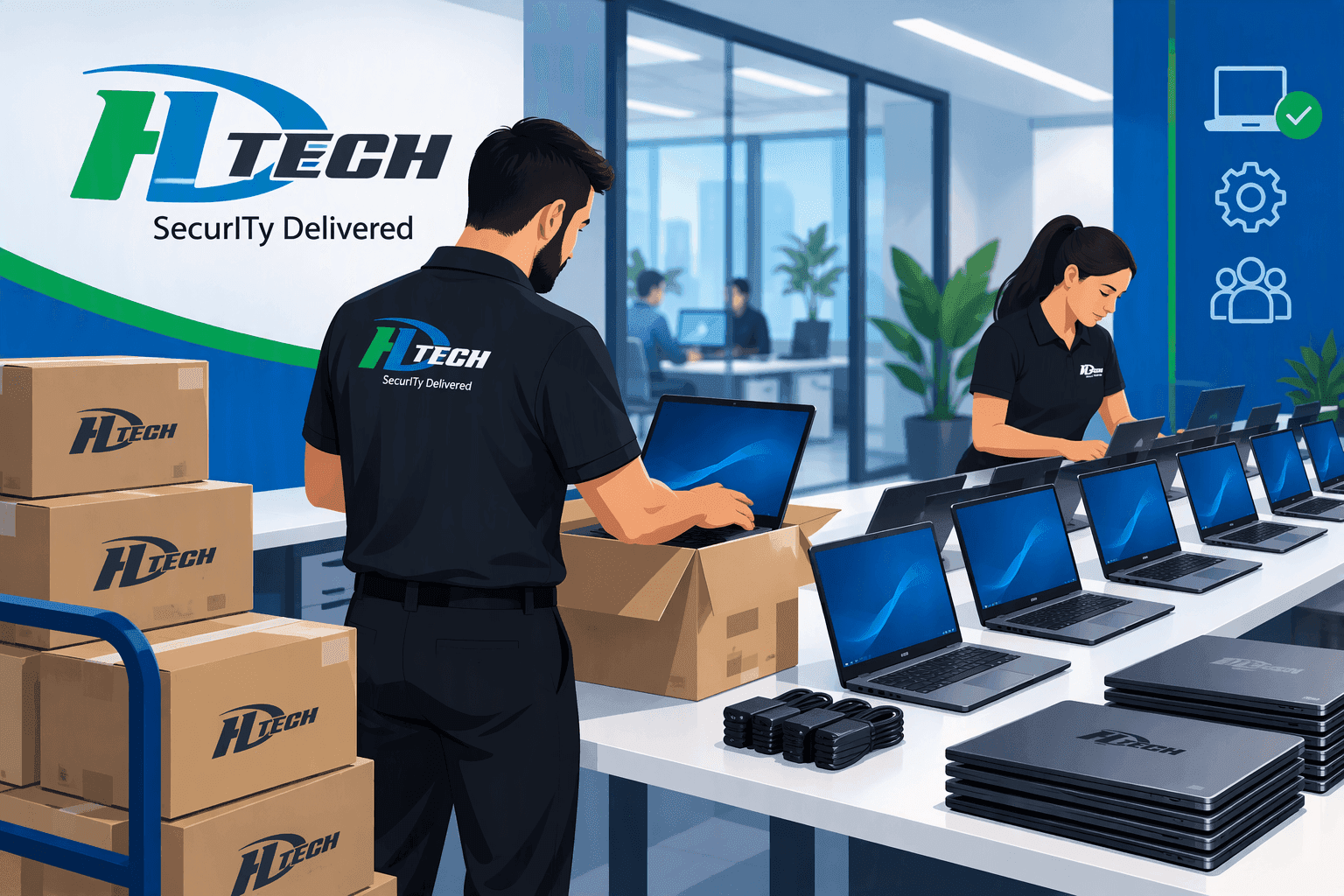
How does a business roll out a batch of new computers?
You treat it as a project, not a pile of boxes. Each machine is ordered against a written quote, set up and tested before it ships, delivered to the person who will use it, and checked with that person afterward. Rolling out in stages keeps a team productive while the new machines arrive.
I've spent 30 years in IT, and I'd rather show you than tell you. Here's how a recent rollout went for one of our clients. I've left out names and details that would identify them, because this story belongs to them.
What did the client need?
A growing business needed somewhere between ten and fifteen new Dell computers: higher-powered laptops and desktops for the office and warehouse staff, then laptops for the sales team. We did the warehouse side first and the sales team next, so no group went without a working computer while another was being swapped.
How did we set up each machine?
The same checklist, every time:
- Install our monitoring agent so we can see the machine's health from day one.
- Create a local administrator account and run all Windows updates.
- Give the machine a standard name, so it's easy to find and support later.
- Join it to the company's network, then add Office and the VPN.
- Install the business applications each person relies on, and move their apps over from the old machine, so nobody starts from scratch.
For the warehouse we also set up a shipping station: a label printer and the carrier software, so packages could go out from the new machines on day one.
How did delivery work?
We hand-delivered the warehouse machines and finished the desktops remotely once they were on site. The sales laptops were shipped to the branch office. After delivery we stayed on for remote support, because that's when small problems actually show up.
What went wrong, and how did we handle it?
Real projects have hiccups, and this one had a couple. Getting the shipping software activated took several calls with the vendor. And after delivery, a file-sync problem showed up on one machine. We fixed it and walked the user through the error.
None of that was dramatic. It's what a process is for: you expect the surprises and have a way to absorb them.
How did it end?
Each stage was closed once the users confirmed their machines were working. That check is the step I care about most. A computer isn't done when it's delivered. It's done when the person using it says it works.
What should you ask your own IT provider?
Who confirms that each new machine works for the person using it? Is the setup written down, so the last computer gets the same treatment as the first? If nobody can answer, you've found the gap, and it's fixable. Trust, yet verify.
Always on watch, Tom
Frequently Asked Questions
Replacing or adding a group of business computers as one planned project: quoting, ordering, setting up, delivering, and confirming each machine works.
So one group of people isn't without a working computer while another is being switched. It also lets you fix anything you learn from the first stage before starting the next.
At a minimum: monitoring, updates, a standard name, joining it to your company network, your core software, and a move of each person's apps from their old machine.
The person who will use it. That check belongs on your provider's checklist, not left to chance.
Much of it can, and we finish some machines remotely once they're on site. Hardware still has to be delivered, plugged in and handed to a person.
Related services
Computers, peripherals and network gear, ordered and set up.
Keep devices and licenses accounted for.
Accounts and equipment ready on day one.
How one engineering firm handles new hires and departures.
How a regular review clears licenses left behind when people leave.
Ready for new computers that just work?
Book a call with Tom. Fifteen minutes. No jargon, no sales pitch.